Render with Remotion CLI
npx remotion render remotion/index.tsx GlitchTitle output.mp4
Composition code
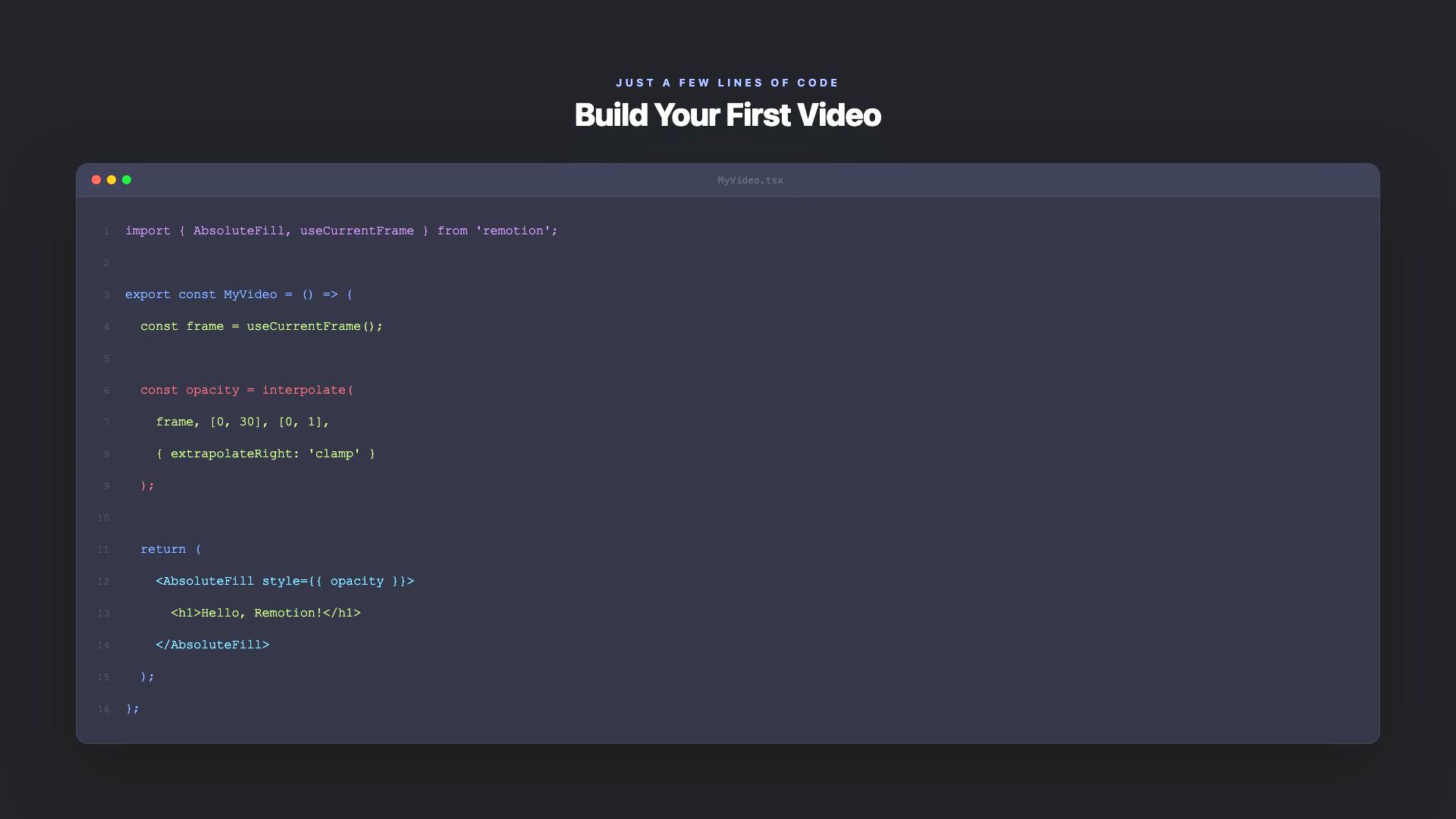
import { AbsoluteFill, useCurrentFrame, interpolate } from "remotion";

export const GlitchTitle: React.FC = () => {
  const frame = useCurrentFrame();
  const glitchCycle = (frame - 30) % 22;
  const isGlitching = glitchCycle < 5 && frame > 30 && frame < 130;
  const redX = isGlitching ? (glitchCycle < 2 ? 12 : -6) : 0;
  const blueX = isGlitching ? (glitchCycle < 2 ? -12 : 8) : 0;
  const mainOpacity = interpolate(frame, [10, 30], [0, 1], { extrapolateLeft: "clamp", extrapolateRight: "clamp" });

  return (
<AbsoluteFill style={{ background: "#020202", fontFamily: "Inter, sans-serif", display: "flex", alignItems: "center", justifyContent: "center", flexDirection: "column" }}>Glitch Title
Cyberpunk RGB split glitch text effect with scanlines, color channels, and dramatic reveal.
Duration5s
Resolution1920 × 1080
Frame rate30 fps
Frames150
Copy the code snippet into your Remotion project and run the render command to generate this template locally.